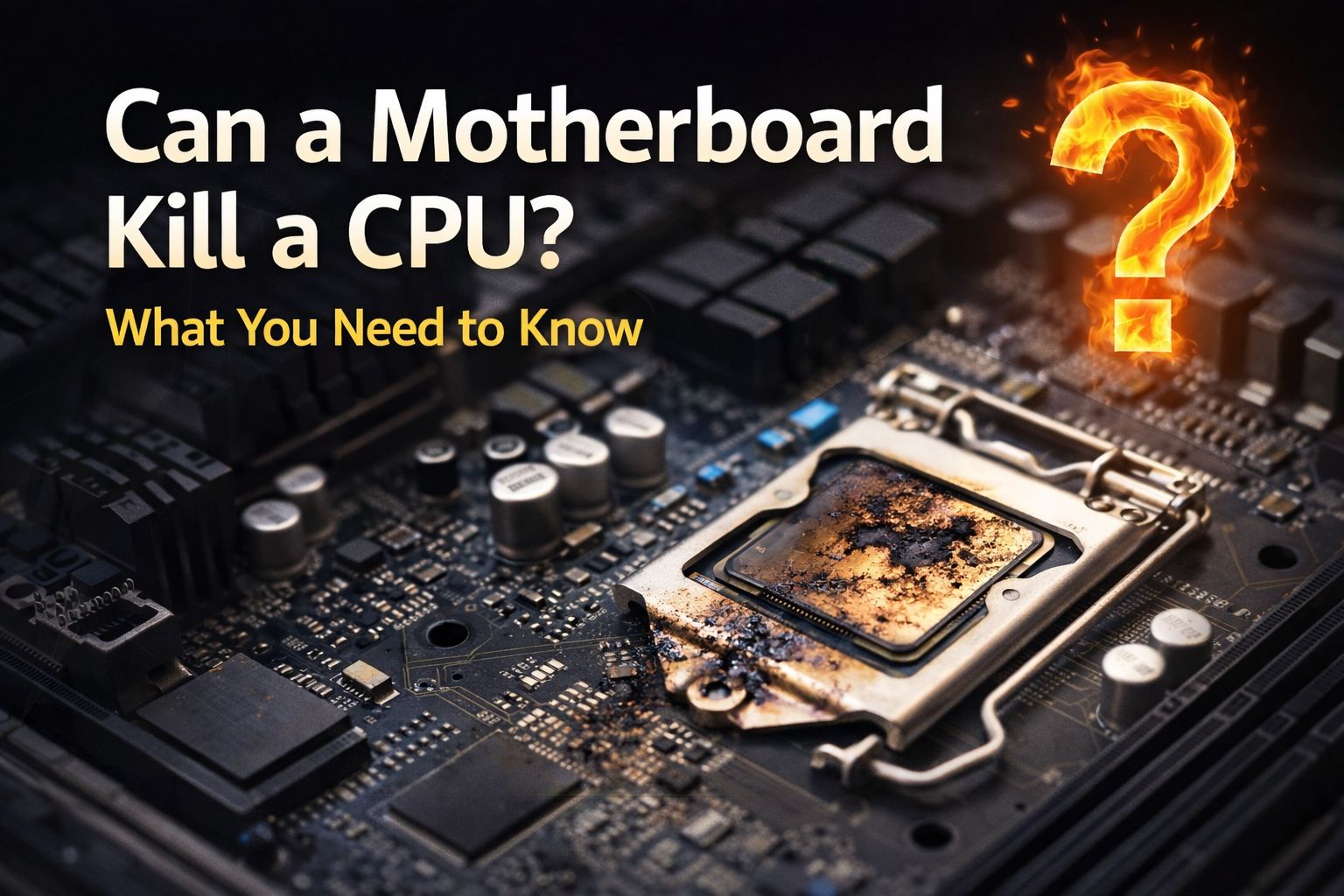
I work at a gaming café, and I have seen a lot of dead PCs.
Some die from overheating. Some die from power surges. But the question I get asked most often — especially after a messy repair job — is this: can a motherboard kill a CPU, or can a bad CPU kill a motherboard?
The short answer is yes, both can happen. But knowing how and why can save you a lot of money and stress.
Let me walk you through everything I have learned from years of fixing gaming PCs.
Can a Motherboard Kill a CPU?
Yes, a faulty motherboard can absolutely kill a CPU.
The motherboard is responsible for delivering power to your processor. If the voltage regulation module (VRM) on the board malfunctions, it can send too much or too little power to your CPU. Too much power causes the chip to fry. Too little causes instability or permanent damage over time.
Here is what I see most often at the café:
Overvoltage damage — A motherboard with a failing VRM pushes higher voltage than the CPU is rated for. The processor heats up far beyond its limits and burns out, sometimes within minutes.
Short circuits on the board — If a motherboard develops an internal short, the CPU socket can pass that fault directly to the processor. By the time the system shuts down, the damage is already done.
Faulty BIOS settings — Some motherboards (especially budget ones) auto-overclock the CPU without telling you. If the board applies too aggressive a voltage profile at boot, the processor takes a hit every single time you start the PC. If you are seeing random crashes, our motherboard troubleshooting guide walks through how to diagnose this step by step.
ASUS Motherboard Killing CPU — What Actually Happens
I have personally seen an ASUS motherboard kill a CPU, and it is more common than ASUS would like to admit.
A few years ago, ASUS boards running Intel 13th and 14th Gen CPUs had a known issue where the motherboard’s power delivery settings were sending too much power to the processor. Intel CPUs started degrading and dying faster than normal. Tom’s Hardware covered this issue extensively and it is worth reading if you have an affected board.
The problem was not the CPU itself. It was the motherboard’s default power limits being set way too high.
If you have an ASUS board and your PC is crashing or your CPU performance is dropping over time, update your BIOS immediately and check your power limit settings. ASUS maintains a support page where you can find the latest BIOS for your specific board. ASUS released firmware updates to fix this, but many users never applied them.
Signs your ASUS board may be stressing your CPU:
- Unexpected shutdowns under load
- CPU performance benchmarks getting worse over months
- The system refusing to POST after a crash
ASRock Motherboard Killing CPU — A Similar Story
ASRock is another brand I see come through the café regularly.
ASRock boards are popular because they are affordable, but some models have had VRM reliability issues on higher core count CPUs. When the VRM gets too hot (often because ASRock uses smaller heatsinks on budget models), it starts delivering inconsistent power. This inconsistency is what degrades the CPU over time.
The fix here is usually better case airflow or a small heatsink mod on the VRM itself. But if the board has already been running hot for months, the CPU may already be partially damaged. You can monitor VRM temps for free using HWInfo64 — it is one of the first tools I install on every gaming PC I work on.
What to watch for on ASRock boards:
- VRM area gets very hot during gaming
- CPU clock speeds throttling without obvious reason
- System freezing in demanding games
Can a Bad CPU Kill a Motherboard?

This one surprises people. Yes, a bad CPU can damage a motherboard, though it is less common.
Here is how it happens:
A shorted CPU — If a CPU has internal damage (from ESD, a bad overclock, or a manufacturing defect), it can create a short circuit when seated. This can fry components on the motherboard, particularly around the CPU socket and VRM area.
Improperly seated CPU — This is the big one I see at the gaming café. If a CPU is seated crookedly or forced into the socket, the pins can bend or make incorrect contact. This can send current through the wrong traces on the board and kill it permanently.
Overclocked CPU drawing too much power — A heavily overclocked CPU that is always running at the edge of its power limits puts enormous stress on the motherboard’s VRM. Over time, the VRM components burn out, and the board dies. The CPU often survives but the board does not.
Can a Dead CPU Kill a Motherboard?
A dead CPU itself is unlikely to actively kill a healthy motherboard.
However, the event that killed the CPU — like a power surge or a VRM failure — very often damages both components at the same time. So if your CPU is dead, it is worth testing the motherboard with a known-good CPU before assuming the board is fine.
I have seen people buy a new CPU, drop it into a board that was damaged in the same incident, and kill the replacement chip too. That is an expensive mistake.
Always test the board independently before installing a new CPU.
Bent CPU Pins — Did It Kill My Motherboard?
Bent pins are one of the most stressful things to deal with, but they rarely kill the motherboard outright.
Whether bent pins cause damage depends on what the pin is connected to:
- If a bent pin simply makes no contact, the system will not boot but nothing is damaged
- If a bent pin touches an adjacent pin, it can create a short circuit that damages the socket or surrounding board traces
- If the short persists for a while during boot attempts, the VRM or other board components can be affected
At the cafe, when I see bent pins, I straighten them carefully with a mechanical pencil barrel or a thin pin tool. If the bend was caught early, the board is usually fine. If someone has been repeatedly trying to boot the system with a short caused by bent pins, the board sometimes does not recover.
iFixit has a solid visual guide on straightening bent CPU pins that is worth bookmarking before you attempt the repair.
What to do if you have bent CPU pins:
- Stop trying to boot immediately
- Look at the pins under a bright light or magnifying glass
- Gently straighten them one at a time
- If you are not confident doing this yourself, bring it to a professional
Can a Bad Motherboard Kill a CPU? (Quick Summary)
Yes. Here are the main ways it happens:
VRM failure — Overvoltage is sent to the CPU and it burns out.
Short circuits — A fault in the board passes current to the CPU socket.
Aggressive BIOS defaults — The board silently overclocks the CPU beyond safe limits.
CMOS battery failure — In some edge cases, a failing battery causes voltage irregularities at boot.
How to Protect Your CPU and Motherboard

After years of seeing this go wrong, here is what I tell every gamer who comes into the cafe:
Use a UPS or surge protector. Power surges are the number one cause of component failure I see. A good UPS is cheaper than a new motherboard plus CPU.
Keep your BIOS updated. Board manufacturers fix power delivery bugs through BIOS updates. If you are running a year-old BIOS, you may be missing important fixes. Intel’s official guide to checking CPU health is a useful reference for Intel users.
Do not skip the thermal paste. A CPU that runs too hot stresses every component around it, including the board. See our thermal paste application guide if you are not sure how much to use.
Check your VRM temperatures. Free tools like HWInfo64 show VRM temps. If they are regularly above 90°C, your board needs better airflow.
Do not force anything during assembly. Most bent pin and socket damage happens in the first five minutes of a build.
When to Come See a Professional
If your PC will not POST and you are not sure whether the CPU or motherboard is dead, do not start swapping parts blindly. A bad diagnosis means you might introduce a good component to a damaged one and lose both.
At the cafe, we can test components individually to figure out exactly what failed and why. This saves you from buying the wrong replacement.
Final Thoughts
A motherboard and CPU are closely dependent on each other. When one fails in a dramatic way, the other is often at risk too.
If you are dealing with a dead PC and suspect either component, the safest approach is methodical testing before any purchases. I have saved dozens of customers from buying unnecessary parts just by doing a proper diagnosis first.